

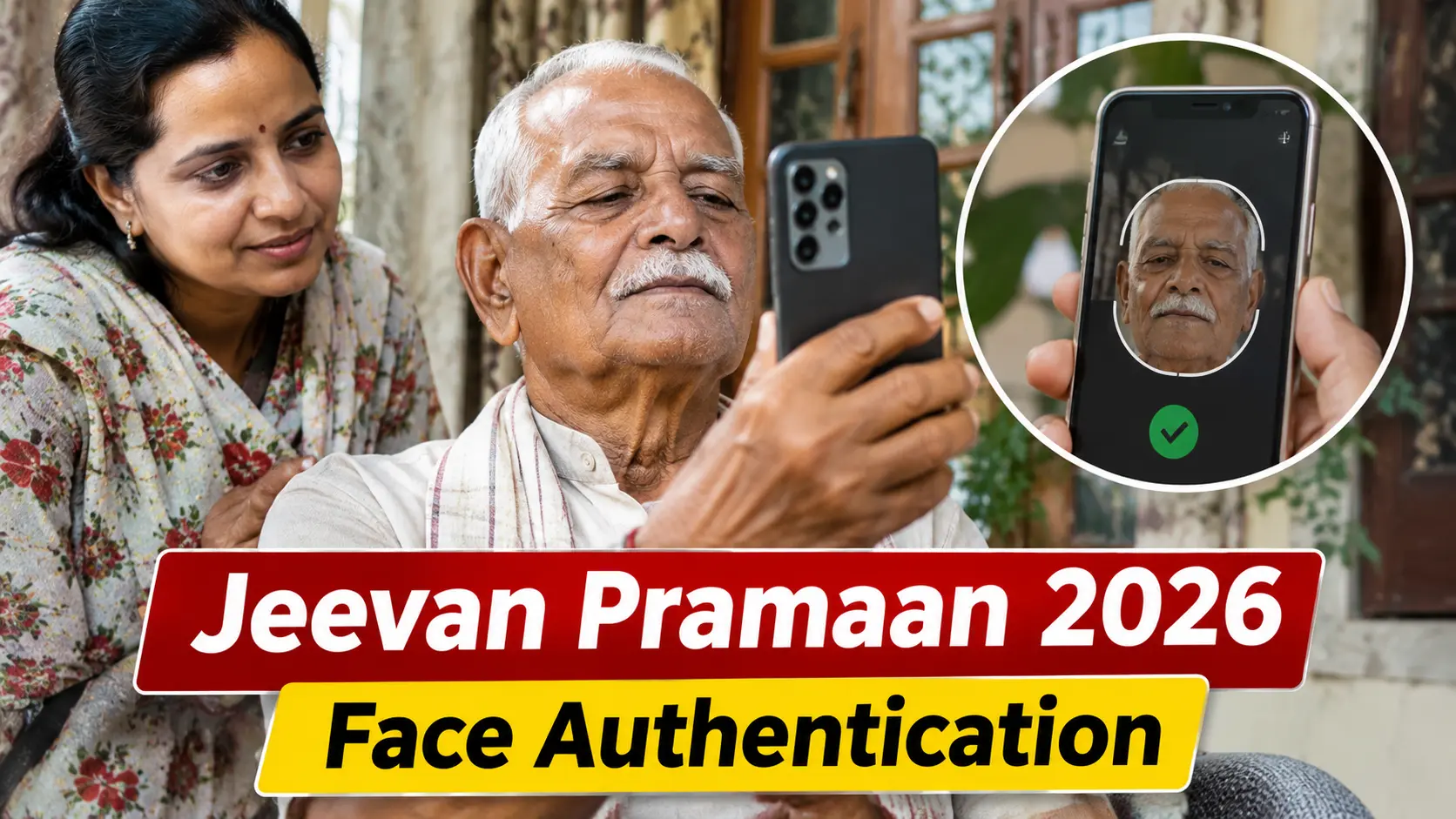
Pensioners across India can now submit their Digital Life Certificate (DLC), also known as Jeevan Pramaan, from the comfort of their homes using just their smartphone and the official Jeevan Pramaan Face App. Gone are the days when pensioners had to physically visit banks or government offices every year to prove they were alive — the entire process can now be completed in minutes using face authentication technology.
The Department of Pension & Pensioners’ Welfare is currently running its fifth Nationwide Digital Life Certificate Campaign across 2,000 cities and districts from November 1 to November 30, 2026 — the biggest-ever DLC campaign undertaken so far.
What Is a Digital Life Certificate (Jeevan Pramaan)?
A Digital Life Certificate, or Jeevan Pramaan, is a biometric-enabled digital certificate that pensioners need to submit annually to continue receiving their pension. It serves as proof that the pensioner is still alive, replacing the earlier practice of physically visiting the pension disbursing authority.
The DLC is generated using the pensioner’s Aadhaar-based biometric authentication — either fingerprint, iris or face — and is automatically sent to the concerned pension disbursing agency.
Who Needs to Submit and When
The DLC submission window varies based on the pensioner’s age:
- Super Senior Pensioners (80 years and above): Can submit their DLC starting from October 1, 2026, giving them an exclusive early window.
- General Pensioners (below 80 years): Can submit their DLC starting from November 1, 2026.
- Final deadline for all categories: November 30, 2026.
Pensioners are advised not to wait until the last minute and to complete the process well in advance to avoid any disruption in their pension.
What You Need Before Starting
Before beginning the process, pensioners should keep the following ready:
- Aadhaar number or Virtual ID (VID) linked to their pension account.
- Pension Payment Order (PPO) number.
- Pension disbursing agency details (bank, post office, etc.).
- Active mobile number registered with Aadhaar.
- A smartphone running Android 10.0 or above (un-rooted device).
It is important to note that the Aadhaar details should already be registered with the concerned pension-disbursing authority for the process to work smoothly.
Step-by-Step Guide to Submit DLC Using Face App
Here’s a detailed, step-by-step walkthrough of how pensioners can submit their Digital Life Certificate from home using their mobile phone:
Step 1: Download the Required Apps
Pensioners need to download and install two apps from the Google Play Store:
- AadhaarFaceRd — the official Aadhaar face authentication app.
- Jeevan Pramaan Face App — the official app for generating the DLC.
Both apps are free to download. Pensioners should verify the app name and publisher before installing to avoid fake or fraudulent apps.
Step 2: Open the Jeevan Pramaan App and Register
Once both apps are installed, open the Jeevan Pramaan app. Pensioners will be taken to the “Operator Authentication” screen, where they need to provide their personal details.
Click on the Aadhaar checkbox and enter the Aadhaar number or Virtual ID, along with the registered mobile number. An OTP will be sent to the registered mobile number for verification.
Step 3: Fill in Pension Details
After OTP verification, pensioners need to fill in their pension details, including:
- Pensioner type (retirement, family pension, etc.).
- PPO (Pension Payment Order) number.
- Bank and pension disbursing agency details.
Step 4: Complete Face Authentication
This is the most crucial step. Pensioners need to capture their face using the phone’s front camera and follow the on-screen instructions carefully.
The AadhaarFaceRd app will guide the user through the face scanning process, ensuring proper lighting and positioning for accurate authentication.
Step 5: Generate and Submit the DLC
Once face authentication is successful, the Digital Life Certificate is generated automatically. The DLC is then sent directly to the concerned pension disbursing agency, completing the process.
Pensioners can also download a copy of the DLC for their records.
Alternative Methods: Fingerprint and Iris Authentication
While the Face App method is the most convenient for most pensioners, the official Jeevan Pramaan platform also supports biometric authentication using fingerprint or iris scanning devices.
Pensioners who have access to these devices can use them as an alternative to face authentication.
The Nationwide DLC Campaign 2026
The Department of Pension & Pensioners’ Welfare is conducting its fifth Nationwide Digital Life Certificate Campaign from November 1 to November 30, 2026, across 2,000 cities and districts.
This is the biggest-ever DLC campaign undertaken by the department, aimed at making the process even more accessible to pensioners across the country.
Common Issues and Troubleshooting
Here are some common issues pensioners might face and how to resolve them:
- OTP not received: Ensure the mobile number is registered with Aadhaar and has active network connectivity.
- Face authentication failing: Ensure proper lighting, remove glasses or headwear if required, and follow the on-screen instructions carefully.
- App not working: Ensure the phone is running Android 10.0 or above and is not rooted.
- Aadhaar not linked: Pensioners need to ensure their Aadhaar is linked with their pension disbursing authority before attempting the process.
Why This Matters for Pensioners
The Digital Life Certificate system has been a game-changer for pensioners, especially senior citizens and those with mobility issues. What used to require a physical visit to a bank or government office can now be done from home in minutes.
With the November 30 deadline approaching, pensioners are advised to complete the process at the earliest to avoid any disruption in their pension payments.
Also Read: Jhansi Horror: 3 Men Arrested for Burning Live Rat Alive in Viral Video — Full Story
FAQs
What is a Digital Life Certificate (Jeevan Pramaan)?
A Digital Life Certificate, or Jeevan Pramaan, is a biometric-enabled digital certificate that pensioners need to submit annually to continue receiving their pension. It serves as proof that the pensioner is still alive and replaces the earlier practice of physically visiting the pension disbursing authority.
Can I submit my Digital Life Certificate from home using my mobile?
Yes. Pensioners can submit their DLC from home using the official Jeevan Pramaan Face App and AadhaarFaceRd app on their smartphone, completing the entire process through face authentication in minutes.
What are the eligibility dates for submitting DLC in 2026?
Super Senior Pensioners aged 80 and above can submit from October 1, 2026, while General Pensioners below 80 can submit from November 1, 2026. The final deadline for all categories is November 30, 2026.
Which apps do I need to download for the Face App method?
Pensioners need to download two apps from the Google Play Store — AadhaarFaceRd (the official Aadhaar face authentication app) and Jeevan Pramaan Face App (the official app for generating the DLC).
What documents and details do I need before starting?
You need your Aadhaar number or Virtual ID, Pension Payment Order (PPO) number, pension disbursing agency details, and an active mobile number registered with Aadhaar.
What should I do if my face authentication fails?
Ensure proper lighting, remove glasses or headwear if required, and follow the on-screen instructions carefully. You can also retry the face scanning process multiple times.
What if I don’t receive the OTP?
Ensure your mobile number is registered with Aadhaar and has active network connectivity. If the issue persists, you may need to update your mobile number in Aadhaar first.
Can I use fingerprint or iris authentication instead of face authentication?
Yes. The official Jeevan Pramaan platform also supports biometric authentication using fingerprint or iris scanning devices as an alternative to face authentication.
What happens if I miss the November 30 deadline of Digital Life Certificate (Jeevan Pramaan)?
If you miss the deadline, your pension payments may be put on hold until you submit your DLC. It is advisable to complete the process well in advance to avoid any disruption.
Is the Digital Life Certificate (Jeevan Pramaan) submission process free?
Yes. The entire process of generating and submitting the Digital Life Certificate using the Face App is completely free for pensioners.
Where can I download a copy of my DLC for records?
Once the DLC is generated successfully, pensioners can download a copy directly from the Jeevan Pramaan app for their personal records.
Also Read: Gurnoor Brar Shirtless Photo & Alleged Snapchat Chat Go Viral: Full Fact Check & Career Impact

